Type.Drive.
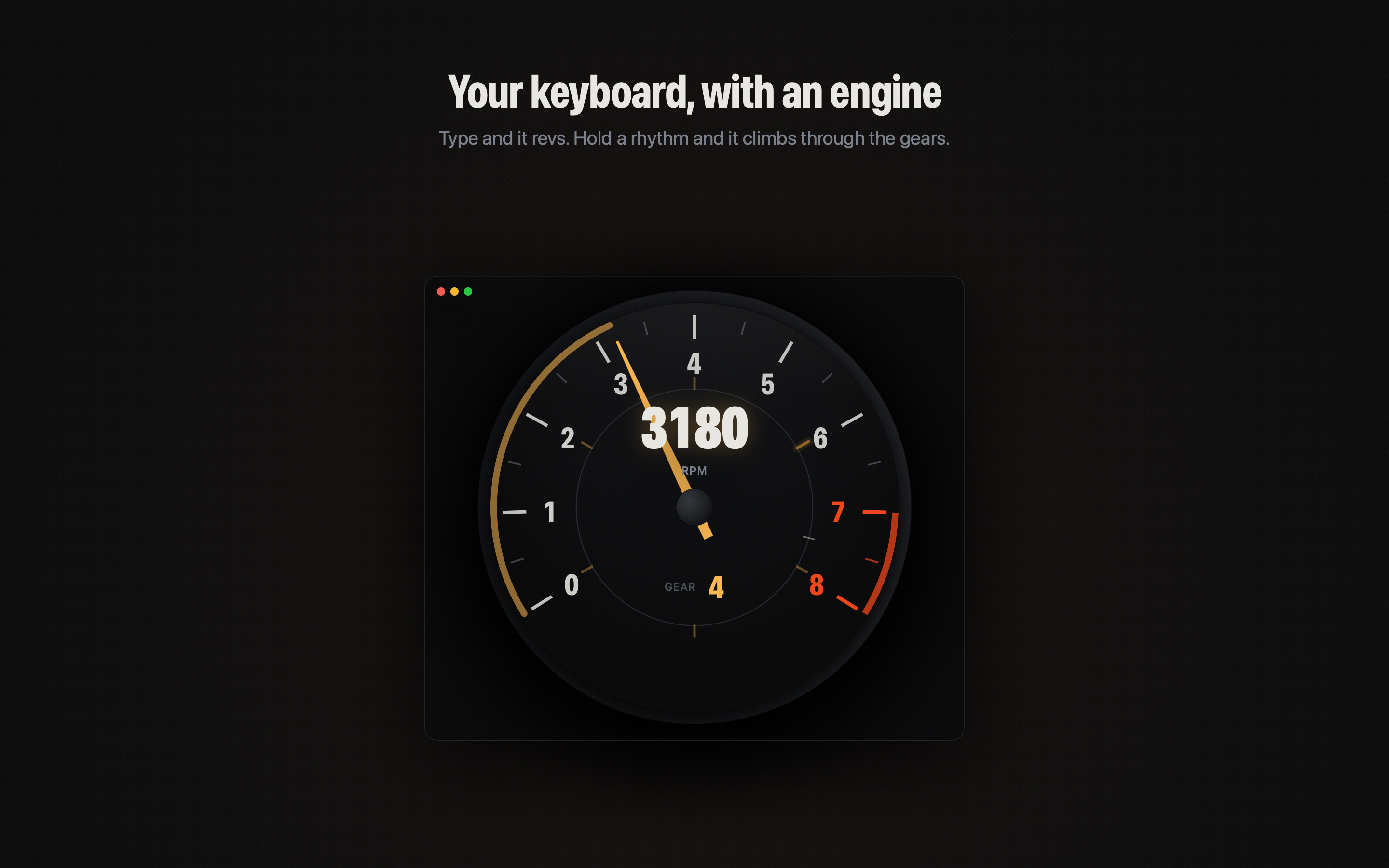
Your keyboard becomes the throttle. Hold a rhythm, climb through the gears, and feel focused work gather momentum.
Download for MacIt feels driven because it is.
Redline reads cadence, not content. Your first keystroke starts the engine. Sustained flow earns higher gears. A pause eases the pedal instead of killing the momentum.
In the Mac app, every combustion pulse, exhaust resonance, shift, and overrun is synthesised live. There are no sampled RPM layers hiding underneath.
15 engines.
From the thump of a single cylinder to the clean howl of a V12. Every layout has its own firing order, exhaust geometry, and voice.
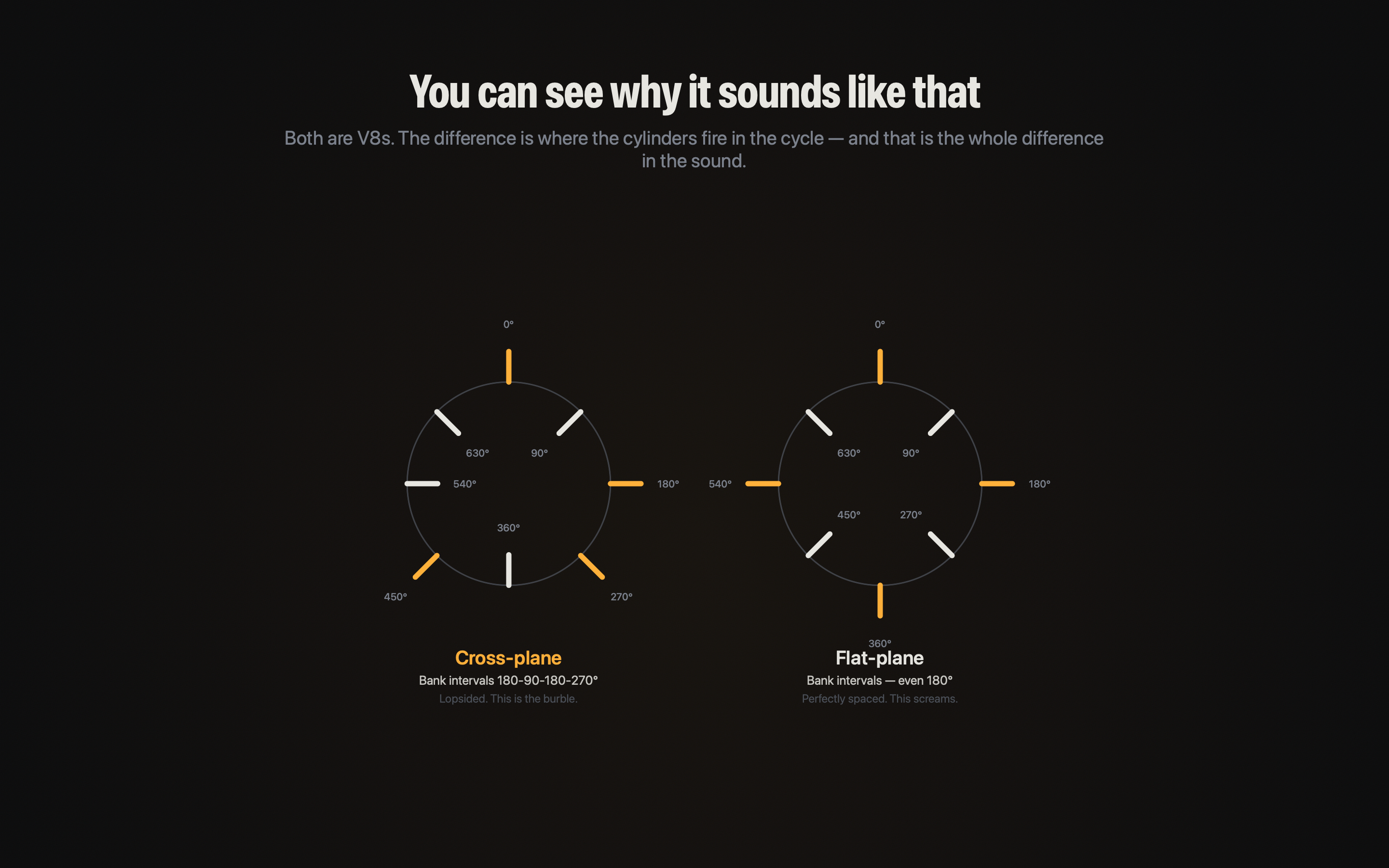
Sound you can see.
The inner ring plots one complete engine cycle. Each mark is a real firing event, driven by the same crank angle that creates the sound in your headphones.
Your words stay yours.
Type in any app. Redline sees only an anonymous count increase—not the key, app, or text.
Put an engine under your keyboard.
Try every engine for 2,000 words.
Get Redline for Mac